
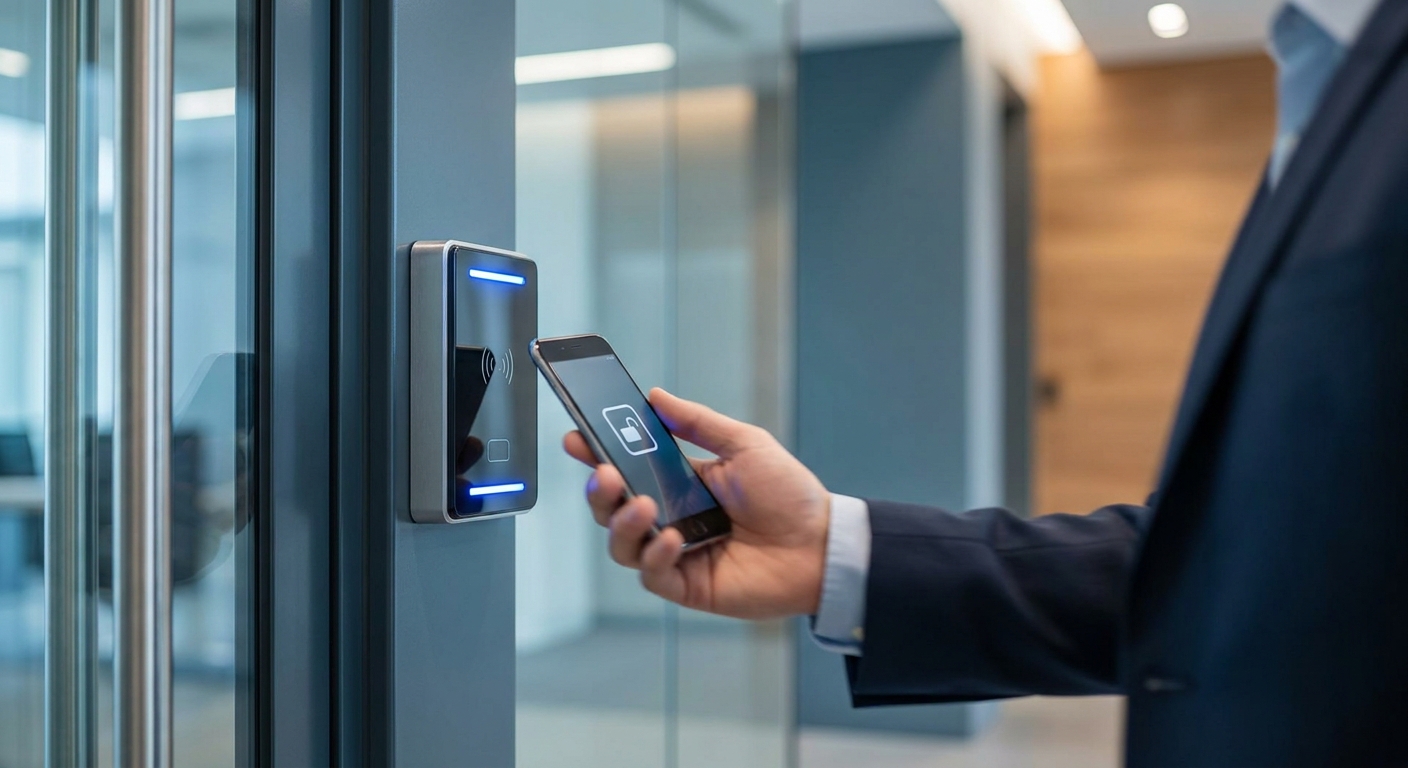
Losing a set of keys to a warehouse or office suite means re-keying every lock on the property — a keyless entry system for business removes that risk and gives owners a log of exactly who came through which door and when.
- Kisi and Salto KS lead cloud-based commercial access control for 2026 — both get a Buy.
- Consumer smart locks like residential deadbolts fail commercial audits and belong on the skip list.
- Budget $1,500 to $4,000 per door installed in the New Jersey market, wiring and hardware included.
- Any keyless entry system for business needs to integrate with existing network cabling and camera feeds, not run standalone.
Why This Matters
A mechanical lock only tells you it was opened — not who opened it or when. Commercial insurers and landlords increasingly ask for access logs after a break-in claim, and a keyless entry system for business generates that record automatically.
For multi-tenant buildings in the Fairfield, NJ area, the bigger issue is turnover. Rekeying a 12-door office suite every time an employee leaves costs more in labor and downtime than most owners expect, and a lost fob or revoked credential closes that gap in seconds instead of days.
Who This Is For
This guide is for office managers, facility directors, and small business owners running one to three commercial locations who currently rely on physical keys or an aging card-swipe system installed before 2015. If your building already has DBSI cabling or a camera system in place, most of the picks below plug into that existing network instead of requiring a rip-and-replace.
What to Look for in a Keyless Entry System for Business
Credential flexibility
A system locked into one credential type — key fob only, or app only — creates friction the day an employee forgets their phone or a visitor needs one-time access. Look for platforms that support mobile credentials, physical fobs, and PIN codes on the same reader so front-desk staff aren't troubleshooting lockouts.
Integration with existing security infrastructure
Access control that can't talk to your camera feed leaves a blind spot: you'll know a door opened, but not who walked through it. Systems that tie into commercial security cameras and network cabling already in the building cut install time and give a single dashboard for both.
Audit trail depth
A usable access log timestamps every entry, tags it to a named credential, and lets you export it for insurance or HR purposes. Systems that only show "door opened" without a user ID don't hold up when you need to investigate a missing package or after-hours incident.
Power and battery backup
Commercial doors see hundreds of cycles a week, and a dead battery or power outage that locks employees out mid-shift is a liability, not an inconvenience. Confirm the reader has a battery backup rated for at least several months of standby and a manual override for outages.
Cloud vs. on-premises management
Cloud-managed systems let you add or revoke a credential remotely from a phone, which matters if you manage more than one site. On-premises systems can be cheaper up front but usually require someone physically at the server to make changes, which slows down offboarding.
Scalability across doors and locations
A system priced and built for a single door often hits a wall at door six or seven, forcing a second platform and a second bill. Pick a system built for multi-door, multi-site licensing from day one even if you're only wiring two doors in 2026.
Top Picks for Commercial Buildings
Kisi — the easy integrator. Kisi runs entirely cloud-based with mobile unlock over Bluetooth and NFC, and it logs every entry event with a named user and timestamp. Setup typically takes a single day per door once cabling is in place, and it scales cleanly across multiple locations from one dashboard. Buy for offices standardizing access across two or more sites in 2026.
Salto KS — the battery-life pick. Salto's wireless locks run on standard batteries rated for roughly two years of standby power, and the system works offline if the network drops, syncing logs once connectivity returns. It's a strong fit for buildings with spotty Wi-Fi in back rooms or basements. Consider it if uptime during outages matters more than deep camera integration.
Schlage Control — the safe pick. Schlage's commercial line pairs mechanical key override with electronic access, so a battery failure or software glitch never locks out a manager holding the physical backup key. Audit logs store thousands of access events per reader before needing an export. Buy for buildings that want a fallback that doesn't depend on the network staying up.
Avigilon Alta (formerly Openpath) — the video-ready pick. Alta's readers pair directly with video management platforms, so a triggered door event pulls the matching camera clip automatically. It's built for larger commercial footprints and multi-building campuses. Consider it if the site already runs, or plans to run, networked security cameras.
ButterflyMX — the wildcard. Built around video intercom plus mobile unlock, ButterflyMX works best for multi-tenant office buildings where visitors and deliveries need to reach a specific suite without a front-desk staffer. It's less useful for single-tenant warehouses or single-suite offices. Skip it unless the building has shared entry points serving multiple tenants.
Talk to a technology advisor
Get an access control plan mapped to your building's existing wiring and cameras.
What to Avoid
- Residential smart locks (August, Yale consumer line, Kwikset Halo) — built for a single front door, not rated for the cycle count or audit logging a commercial insurer expects.
- Standalone single-door kits with no cloud dashboard — cheap at first, but every added door means a separate app and a separate credential list, which turns into a management headache by door number four.
- Proprietary hardwired systems that ignore existing cabling — if a vendor wants to run entirely new low-voltage wiring instead of using cabling already in the walls, that's added cost and added downtime that a properly cabled building doesn't need.
Verdict Comparison
| System | Credential Types | Offline Capability | Camera Integration | Verdict |
|---|---|---|---|---|
| Kisi | Mobile, fob, PIN | Limited | Via third-party | Buy |
| Salto KS | Fob, mobile | Strong (2yr battery) | Limited | Consider |
| Schlage Control | Mobile, fob, mechanical key | Full (mechanical backup) | Limited | Buy |
| Avigilon Alta | Mobile, fob | Moderate | Native | Consider |
| ButterflyMX | Mobile, video intercom | Moderate | Native (intercom) | Skip for single-tenant |
Where the Cost Actually Lands
Contractors in the New Jersey market typically quote $1,500 to $4,000 per door installed in 2026, with the range driven by whether existing network cabling can carry the reader or whether new runs are needed. Multi-door commercial jobs often see a lower per-door cost once the first door's wiring and network drop are in place. Ask any installer for a per-door breakdown before signing, not a flat building-wide number that hides which doors cost more.
FAQ
What's the best keyless entry system for business in 2026?
Kisi and Schlage Control lead for most commercial buildings in 2026 because both combine mobile credentials with a full audit trail. The right pick depends on whether the building needs mechanical key backup (Schlage) or multi-site cloud management (Kisi).
Is a keyless entry system better than a traditional lock and key for a business?
Yes, for any building with more than a handful of employees, because a keyless system lets you revoke one person's access instantly instead of rekeying every lock. Traditional keys also leave no record of who entered or when.
How much does a commercial keyless entry system cost?
Installed commercial systems typically run $1,500 to $4,000 per door in 2026, depending on existing cabling and reader type. Multi-door installs usually cost less per door once the first door's wiring is in place.
Can a keyless entry system integrate with existing security cameras?
Most commercial-grade systems, including Avigilon Alta and Kisi, can tie access events to a specific camera clip when both run on the same network. Confirm compatibility with your current camera platform before buying hardware.
Do keyless entry systems work during a power outage?
Systems with battery backup, like Salto KS, keep working for months on standard batteries, while systems like Schlage Control add a mechanical key override as a second layer. Always confirm the backup power rating before installing on a door that can't fail locked.
What credential types do commercial keyless systems support?
Most current systems support mobile app unlock, physical key fobs, and PIN codes on the same reader. Look for a system supporting all three so visitors and staff without a smartphone still get access.
How long does it take to install a keyless entry system in an office building?
A single-door install typically takes about a day once network cabling is already run to the location. Multi-door buildings take longer per site but often move faster per door as crews repeat the same wiring pattern.
Are cloud-based access control systems secure for small businesses?
Cloud-managed systems from established vendors encrypt credential data and let you revoke access remotely, which is more secure in practice than a physical key that can be copied. The bigger risk is choosing a vendor without a track record in commercial installs.
One Last Thing
The detail most owners miss: a keyless entry system is only as good as the network it runs on. A reader with a two-year battery and full audit logging is useless if the cabling behind it drops connection every time the building's Wi-Fi hiccups — check the wiring before the hardware.