
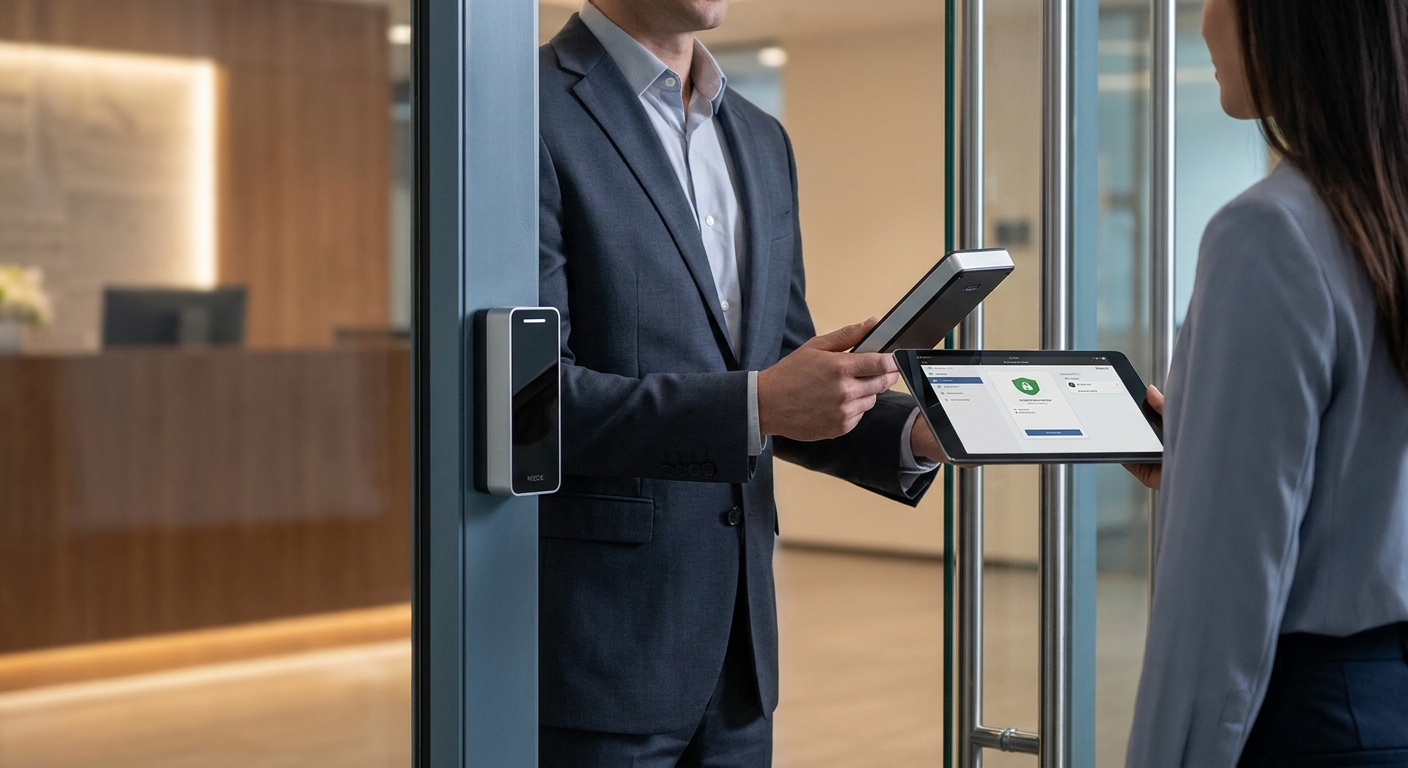
Access control replaces mechanical keys with electronic credentials — keycards, mobile codes, or biometric scans — so you control exactly who enters which door and when, and you get a log of every attempt. This guide walks through the decision points that actually matter for a small or mid-sized office, not a checklist copied from a hardware catalog.
- Match credential type to your staff turnover: keycards work for stable teams, mobile credentials cut re-key costs for high-turnover shops in 2026.
- Cloud-managed access control wins for offices with more than one location or remote IT oversight — Buy over on-premise servers for most small businesses.
- Network cabling capacity decides how many doors you can add later; undersized wiring is the top reason access control projects get expensive mid-project.
- Integrating access control with existing security cameras closes the biggest gap: knowing who opened a door versus who's actually on camera.
- Budget both the one-time hardware cost and the recurring software fee — cloud platforms typically bill per door, per month.
Why this matters
A business with 15 employees and one front door doesn't need the same system as a company running three suites across two buildings. Get the sizing wrong and you either overpay for enterprise features you'll never touch, or you buy something that can't add a fourth door without a full rip-out.
The bigger risk in 2026 is picking a system that can't talk to the rest of your security setup. Offices that install access control as an island — separate from cameras, separate from the network — end up with two logins, two vendors, and no single record of what happened at 7pm on a Friday. How to choose access control system for your business starts with treating it as one piece of your office technology stack, not a standalone gadget.
DBSI works with small and mid-sized businesses in Fairfield, NJ on exactly this kind of integration — access control, cameras, and network cabling installed as one system instead of three separate contracts. DBSI has been doing office technology installs for over 15 years, which is long enough to have seen most of the ways a rushed access control install goes wrong.
What you'll need
- A door-by-door list: which entries need control, which are fine with a standard lock
- Current employee count and expected headcount in 12-24 months
- Existing network infrastructure notes (cabling age, switch capacity, Wi-Fi coverage)
- A list of any existing security cameras or alarm systems to integrate
- Rough budget split between hardware (one-time) and software (monthly)
- Decision-maker sign-off on who gets access to which doors and during what hours
The steps
1. Audit who needs access, and when
Write down every door that currently gets locked and unlocked manually, then list who uses it and during what hours. Most small offices find they only need control on 2-4 doors: main entrance, server room, storage, and maybe a rear loading door.
This step accomplishes more than a headcount — it tells you whether you need time-based schedules (cleaning crew at 6am, staff at 8am) or a flat always-on/always-off rule. Skipping this audit is the most common mistake: businesses buy a system sized for every door in the building when only the server room actually needed restricted access.
Common mistake: treating the front door and the IT closet as the same access tier. They rarely are.
2. Choose your credential type
Your three real options in 2026 are keycards/fobs (RFID proximity), mobile credentials (phone-based), and biometric (fingerprint or facial). Each has a distinct failure mode worth knowing before you commit.
Keycards are cheap to issue and replace but get lost, shared, or forgotten at home. Mobile credentials cut the cost of re-keying when someone leaves the company — you just revoke the phone-based credential remotely — but they need every employee's phone to cooperate with a network connection. Biometric is the hardest to fake but costs more per door and raises questions about employee comfort that keycards don't.
For a business with steady staff and low turnover, keycards are the safe pick — cheap, familiar, no phone dependency. For a business that hires and loses staff often, mobile credentials are the smarter buy because you're not reissuing physical cards every month.
3. Decide cloud-managed vs on-premise
Cloud-managed access control runs through a web dashboard hosted off-site; on-premise runs on a server sitting in your building. The difference matters more than the marketing suggests.
Cloud systems let you add, remove, or reschedule an employee's access from a phone, which matters if you don't have IT staff on-site every day. On-premise systems avoid a recurring subscription fee but require someone local to maintain the server and apply updates. For most offices under 50 employees with a single or dual location, cloud-managed is the practical buy in 2026 — it lowers the maintenance burden even if the monthly fee runs higher over a few years.
4. Check your network capacity before you order hardware
Every access control door reader needs a data connection, and most run on the same Cat5e/Cat6 cabling that carries your phones and internet. If your building's wiring is more than a decade old or wasn't designed with extra runs for security hardware, adding four or five door readers can max out a switch you didn't know was already near capacity.
This is the step businesses skip most often, and it's the one that turns a two-day install into a two-week one. Confirm with whoever manages your network cabling — DBSI handles this assessment alongside phone and camera installs — before finalizing a hardware order.
Common mistake: ordering access control hardware first and discovering the wiring can't support it during install week.
5. Plan the camera integration
Access control tells you a door opened with Badge #114 at 6:47am. It doesn't tell you if that badge was actually in the right hands. Pairing the access log with footage from a security camera at the same entry point closes that gap — you get the credential record and the visual confirmation in one review.
If you already run commercial security cameras, ask your installer whether the access control platform can pull a timestamped clip automatically when a door event fires. If you're planning cameras and access control at the same time, buying both from one integrator avoids the handoff problems between two separate vendors managing two separate systems.
6. Size for growth, not just today
Buy a system rated for at least 25-50% more doors than you need right now. Adding a single door to an undersized system a year later often means a controller swap, not a simple add-on — and that's a second install fee you could have avoided.
7. Budget both the hardware and the recurring fee
Access control pricing splits into two buckets: the one-time cost of readers, controllers, and cabling, and the recurring software or cloud-hosting fee, usually billed per door per month. Get both numbers in writing before you sign, and ask specifically what happens to the monthly fee if you add doors in 2026 or beyond.
8. Get it professionally installed and supported
A misconfigured access control system fails in the worst way — either it locks out an employee at 8am on a Monday, or it fails open and lets anyone in. Professional installation includes testing every door's fail-safe behavior (does it unlock or stay locked during a power outage) before you rely on it daily.
Get your access control system assessed
DBSI reviews your doors, wiring, and cameras before recommending hardware.
Troubleshooting
- Door won't release on valid credential — check the controller's power supply first; a brownout or loose connection is more common than a bad card.
- Credential reads but access is denied — confirm the schedule assigned to that user; time-based rules are the most common cause of a "valid card, no entry" error.
- System goes offline after a power blip — verify the controller is on a battery backup; access control on the same circuit as office lighting will drop with every outage.
- Cloud dashboard won't sync — check the network switch the controller connects through; an undersized or misconfigured switch (see Step 4) is the usual culprit.
- Camera clips don't match door events — confirm both systems are set to the same time zone and NTP source; a few minutes of drift breaks the correlation.
- Mobile credential fails intermittently — check Bluetooth or Wi-Fi range at the door; mobile credentials need a stronger signal than a simple card tap.
Tools and resources
- Door-by-door audit sheet (build this before calling any vendor)
- Network cabling assessment from your IT provider
- Existing camera system inventory, if you have one installed
- A written comparison of cloud vs on-premise monthly costs over 3 years
What to do next
Access control and security cameras solve overlapping but different problems — one controls entry, the other verifies it. If you haven't finalized your camera plan yet, read how to choose commercial security cameras before you lock in your access control vendor, since the two systems work best when installed together.
FAQ
What's the best access control system for a small business in 2026?
A cloud-managed system with keycard or mobile credentials is the best fit for most small businesses in 2026. It keeps monthly maintenance low while giving remote control over who has access to which doors.
Is cloud-based access control better than on-premise?
Cloud-based access control is better for most businesses under 50 employees because it removes the need for local server maintenance. On-premise still makes sense for larger operations with dedicated IT staff already managing other servers on-site.
How much does an access control system cost to install in 2026?
Cost depends on door count, credential type, and whether existing wiring supports the new hardware. Get a per-door hardware quote plus the recurring software fee before committing, since both vary by vendor.
Can access control integrate with security cameras?
Yes, most modern access control platforms can trigger a camera clip when a door event fires. This pairs the credential log with visual confirmation at the same entry point.
Do I need a wired network for access control, or does Wi-Fi work?
Most door controllers run on wired Cat5e or Cat6 cabling for reliability, though mobile credential readers can use Wi-Fi or Bluetooth. Wired connections are less prone to the dropouts that cause false denials.
How long does an access control installation take?
A basic 2-4 door install typically takes one to two days once wiring is confirmed adequate. Projects that require new cabling runs take longer, often a full week.
What happens to access control during a power outage?
A properly installed system runs its controllers on battery backup so doors keep functioning during a brief outage. Confirm with your installer whether doors fail locked or fail open, since this differs by hardware and by building code.
Can access control fully replace physical keys?
Access control can replace physical keys for most interior and exterior doors, though many businesses keep a mechanical backup for emergencies. Fire code in some buildings also requires a manual override on certain doors.
One last thing
The detail most businesses miss isn't the credential type or the software fee — it's the cabling underneath. An access control project that looks like a $2,000 hardware order can turn into a $6,000 project once outdated wiring forces new cable runs to every door. Confirm your network capacity before you get a hardware quote, not after.