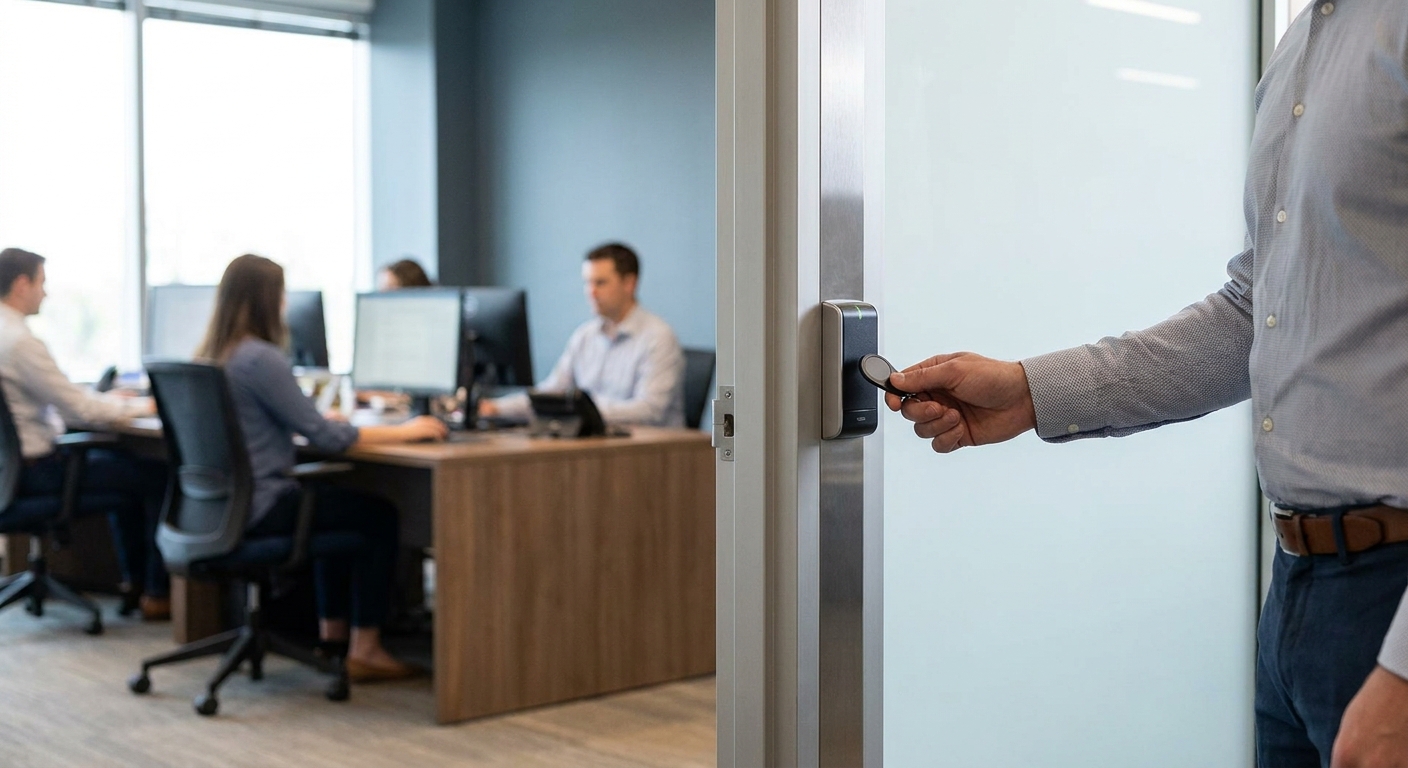
Access control systems for small offices replace metal keys with credentials you can issue, track, and kill instantly, and in 2026 the buying decision comes down to three things: what wiring is already in the walls, whether the system talks to your cameras, and what happens the day an employee walks out the door for good.
- Cloud-based mobile credential systems are the safe buy for small offices under 20 doors in 2026 - no server closet needed.
- Standalone proximity readers cost less upfront but can't scale past a handful of doors - Consider, not Buy.
- Biometric readers are overkill for a single-suite office - Skip unless you're storing regulated data.
- Systems that reuse existing Cat 6 network cabling install in a day; systems that need new proprietary wiring take a week and cost more.
- Access control paired with commercial security cameras gives you a video log tied to every door event, not just a beep.
Why this matters
A lost key means changing locks. A lost keycard or a fired employee's phone credential means one click in a dashboard, and the door stops opening for that person in seconds.
Small offices in the Fairfield, NJ area typically run 5 to 50 employees across one or two suites, and most of them already have Cat 5e or Cat 6 network cabling in the walls from phone or IT work done in the last decade. That existing cabling changes which access control systems make sense - a point most buying guides skip because they're written for enterprise campuses, not a 3,000-square-foot office suite.
Get the network and cabling question wrong and you're paying for a rewire on top of the hardware. DBSI handles the network cabling and IT infrastructure side of these installs for small and mid-sized New Jersey businesses, which is the part most access control vendors gloss over in their sales pitch.
Who this is for
This guide is for the owner or office manager of a small business - a single-suite professional office, a medical practice, a small warehouse or showroom - who needs to control who can get through the front door, the server room, or the supply closet, and who doesn't have an in-house IT department to manage it.
What to look for in access control systems for small business
Network and cabling compatibility
Most access control readers run on standard network cabling, not proprietary wire, so a system that requires new cabling runs adds days and dollars to the install. Check whether your existing Cat 5e or Cat 6 runs can carry the reader before you sign anything.
Credential type
Small offices are moving away from physical keycards toward mobile credentials on employee phones, because a phone can't be duplicated at the corner hardware store the way a keycard can. Fob and card readers still work fine for offices with high staff turnover where phone-based onboarding is a hassle.
Number of doors and scalability
A 2-door system priced for a single entrance won't cover a second suite or a server room add-on later, and swapping the whole panel later costs more than buying one extra door's capacity up front. Buy for the doors you'll have in 24 months, not just the ones you have today.
Cloud vs. on-premise management
Cloud-managed panels let you revoke a credential from a phone app at 11pm on a Saturday; on-premise panels require a physical visit to a server closet to make the same change. For a small office without dedicated IT staff, cloud management in 2026 is close to non-negotiable.
Integration with existing security cameras
A door event with no video tied to it is half a record. Systems that integrate with your commercial security cameras give you footage timestamped to the exact badge swipe or denied entry, which matters the one time you actually need to review an incident.
Installation and support cost per door
Hardware price per door tells you almost nothing on its own - installation labor, monthly cloud fees, and support response time matter more over three years than the reader itself. Ask for a per-door number that includes install, not just the box price.
Top picks for small office access control
Cloud-based mobile credential systems - the easiest to manage. These run entirely through a phone app for both admins and employees, cutting onboarding to under 5 minutes per new hire. No physical cards to reissue when someone forgets one at home. Buy for offices with under 20 doors and no dedicated IT staff.
Standalone proximity card readers - the budget pick. Card-based readers cost less per door upfront and don't require every employee to carry a smartphone at work. The tradeoff is a hard ceiling on scale - most standalone panels top out around 4 to 8 doors before you need a full system swap. Consider for a single-entrance office that won't expand.
Biometric readers - the overkill pick. Fingerprint and facial recognition readers add a layer of certainty that a badge or phone can't fake, but they cost more per door and raise data-privacy questions most small offices don't need to answer. Skip unless you're storing regulated records or controlled substances on-site.
Hybrid systems with camera tie-in - the safe pick. These pair door credentials with a camera feed at each entry point, so every access event has a video record attached automatically. Pairing works best when the cabling and camera install are planned together rather than bolted on later - see this guide to choosing commercial security cameras for what to check before you add cameras to an access control build-out. Buy for any office storing cash, inventory, or client records on-site.
Legacy wired panel systems - the wildcard. Older hardwired panels still work and some are still sold new in 2026, but they require a physical visit to reprogram every credential change and often can't integrate with modern camera or mobile-credential platforms. Skip for any new install.
What to avoid
- Proprietary cabling requirements. If a vendor tells you the reader needs its own dedicated wire type instead of running over existing Cat 5e/Cat 6, get a second quote - that's an extra cost most small offices don't need to carry.
- Per-door software fees that scale badly. Some cloud platforms charge per-door monthly fees that look fine at 4 doors and painful at 12. Ask for the 3-year total, not the intro price.
- Vendors with no local install support. Access control hardware fails at the worst times - a stuck door, a dead reader on a Monday morning. A vendor without local New Jersey support means a shipped replacement part and a multi-day wait.
Plan your access control build-out right
Get the cabling, network, and camera side sorted before hardware goes in.
Verdict comparison
| System type | Best for | Doors supported | Verdict |
|---|---|---|---|
| Cloud mobile credential | Small offices, no IT staff | Up to 20+ | Buy |
| Standalone proximity card | Single-entrance, low turnover | 4-8 | Consider |
| Biometric reader | Regulated data or restricted areas | Varies | Skip (unless regulated) |
| Hybrid + camera tie-in | Offices with cash/inventory on-site | Up to 20+ | Buy |
| Legacy wired panel | N/A for new installs | Limited | Skip |
FAQ
What's the best access control system for a small business in 2026?
For most small offices under 20 doors, a cloud-based mobile credential system is the best access control system for small business use in 2026 because it needs no on-site server and lets you revoke access from a phone. Offices with high staff turnover or no smartphone policy may still do better with a standalone card reader.
Is a keycard system better than a mobile credential system?
Mobile credentials are generally better for small offices because a phone-based credential is harder to duplicate and can be revoked instantly, while keycards can be copied at most hardware stores. Keycards still make sense for offices where staff can't or won't use a work phone app.
How much does access control cost for a small office?
Cost varies by door count, credential type, and whether cloud management is included, so get a per-door quote that includes installation labor, not just hardware price. Systems that reuse existing network cabling generally install faster and cheaper than ones requiring new wiring.
Do access control systems need special wiring?
Most modern access control readers run over standard network cabling like Cat 5e or Cat 6, so a small office with existing IT cabling often doesn't need new wire runs. Confirm this with your installer before signing a quote, since some legacy panels do require proprietary cable.
Can access control integrate with security cameras?
Yes, hybrid access control systems tie door credential events to a camera feed so every entry or denied access attempt has video attached automatically. This integration matters most for offices storing cash, inventory, or client records on-site.
How many doors does a small office access control system need to support?
Buy capacity for the doors you expect to have in the next 24 months, not just today's count, since swapping a panel later costs more than adding one extra door's capacity upfront. Most small offices in 2026 land somewhere between 2 and 10 doors.
Is biometric access control worth it for a small office?
Biometric readers are usually overkill for a standard small office and add cost without a matching security need, unless the business stores regulated records or controlled substances on-site. A mobile credential or card system covers most small office needs at lower cost.
What happens to access control if the internet goes down?
Most cloud-managed panels cache credentials locally so doors keep working during a short internet outage, though new credential changes won't sync until connectivity returns. Ask any vendor directly how their specific panel behaves offline before you buy.
One last thing
The single most overlooked cost in a small office access control project isn't the reader hardware - it's whether the existing cabling can carry it. An office that already has Cat 6 runs from a prior phone or network install can often go from quote to working doors in a single day; an office that needs new cable pulled is looking at a week or more, and that gap rarely shows up in the sales quote until the install crew is already on-site in 2026.